
Your Telegram AI bot, running in 3 minutes
No server setup. No terminal commands. We install OpenClaw or Hermes Agent, connect the AI, and keep your bot running on a private server.
Private server • 3-minute setup
Featured on Product Hunt

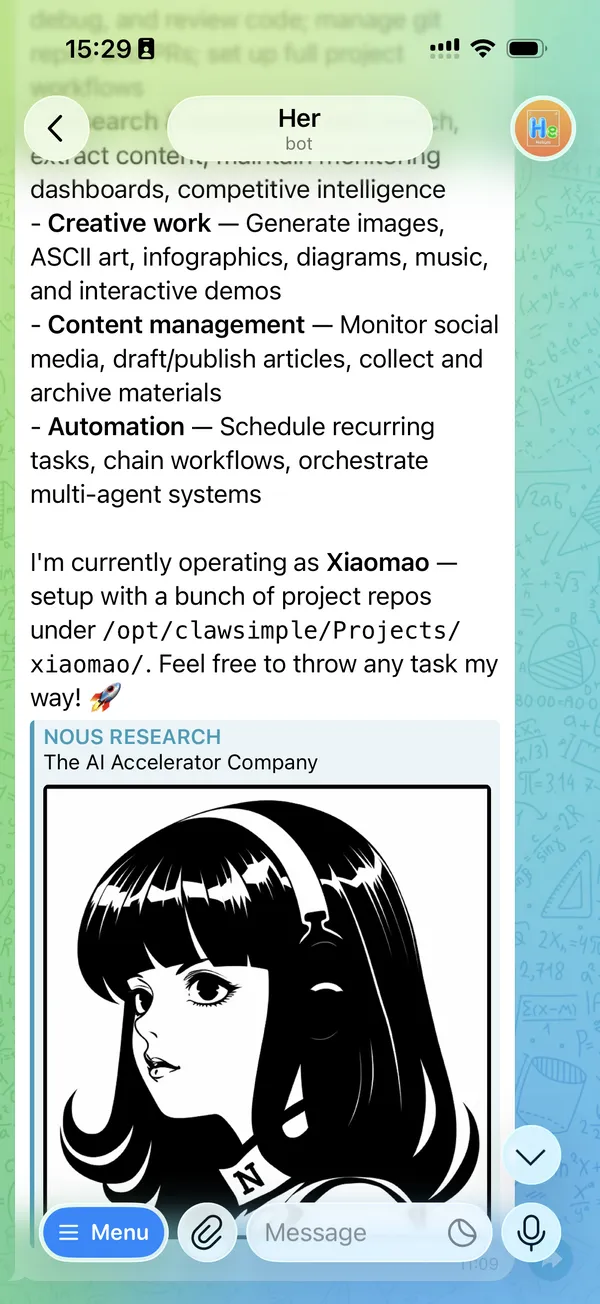
Your bot replies like a teammate
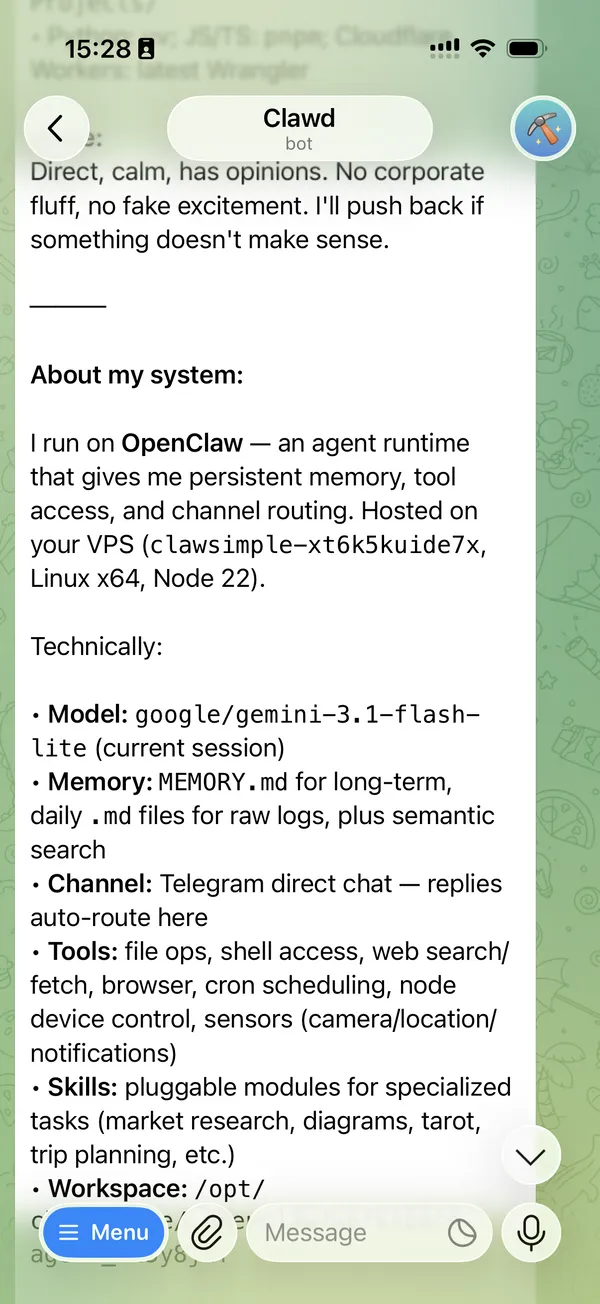
Every agent, one tap away
Private server
Your bot runs on its own server, not shared
3-minute setup
From form to live bot, fully automated
Managed search
Search and page reading are ready on new deployments
How it works
Three steps to your first real conversation.
Connect
Paste your Telegram bot token and pick an AI model
We build
Server, OpenClaw, AI, and search are set up automatically
Chat
Your bot is live on Telegram. Start talking.
Early user feedback
"One was great."
After reviewing 11 instant OpenClaw services, Mike MacCana singled out ClawSimple with the cleanest verdict in the entire post.
Mike MacCana
Developer Relations, Quicknode
Shared publicly on X by the Solana at QuickNode account on March 2, 2026.
Why ClawSimple
Skip the setup work. Start the conversation.
No terminal work
One form, one click. We handle server config, packages, and runtime setup.
AI included
Platform AI and managed search are connected by default. No provider key needed.
Stays running
Automated monitoring. When something needs attention, support handles the server work.
Pick your runtime
OpenClaw or Hermes Agent per bot. Choose when you create it.
Multiple agents, one price
Add extra Telegram bots to the same server at no extra subscription cost.
Open source
The ClawSimple repo is public. Review the code before you deploy.
Launch Now
Start your bot
Paste your token, pick a model, and go.
Your keys are only used once to set up. We never store them.
Managed OpenClaw + Hermes Agent Hosting Plans
Choose between Standard and Max based on included AI usage and server capacity.
Standard
Best for most users. You get managed hosting, included AI credits, managed search/crawl usage, and a private server.
- •OpenClaw or Hermes Agent per bot
- •Includes $13.5 monthly usage credits
- •Hassle-free configuration
Max
Best for heavier daily use. More included AI credits, more managed search/crawl headroom, and the same managed setup.
- •Everything in Standard
- •Includes $26 monthly usage credits
- •Higher spec server
- •Priority support
Multiple agents, one subscription
Add extra Telegram bots to the same server. Each runs its own Telegram token and AI model.
Pay for certainty
Open-source means you can, not that it will be fast. We remove the setup uncertainty.
Avoid hidden costs
Wrong permissions, broken services, and model misconfigurations cost hours.
Own your infra
Your server and credentials stay yours. We only automate the first mile.
FAQ
Answers before you launch
Quick explanations for the questions most first-time users ask.
Why is Telegram the default channel?
Telegram is fast to set up, stable for long-running bots, and familiar to most users. It gives you a simple path to go live first, then expand to more channels later.
What are Telegram Bot Token and User ID?
Bot Token is your bot's secret key from @BotFather. User ID is the numeric ID of who is allowed to chat with your bot - in most cases that's your own Telegram User ID (find it via @Getmyid_bot or @userinfobot). Token identifies the bot; User ID controls access.
Can I change a bot from Hermes Agent to OpenClaw later?
No. Choose OpenClaw or Hermes Agent when creating the bot. To use the other runtime, create a new bot with that runtime.
Cloud server vs running OpenClaw or Hermes Agent on Mac mini: which is better?
If you want the fastest OpenClaw or Hermes Agent setup and less ops work, cloud is usually better: installation is automated, uptime is easier to monitor, and support can handle server issues. Mac mini is great when you want full local control and already manage your own hardware. In practice, many users start in cloud and move parts in-house later.
Which AI model should I start with?
If you are unsure, start with the default model that ClawSimple preselects for your plan. It is chosen for balanced quality, speed, and cost. You can switch models anytime later.
How does billing work?
Billing is based on your plan, included AI/search usage, and any extra managed usage. New deployments use the ClawSimple platform AI connection and managed search by default; no provider key is required during setup.
Does adding another agent inside one deployment cost extra?
Not as a separate server subscription. An extra agent reuses the same deployment and server, so you are not buying another server just to add one more bot. More agent traffic can consume the deployment's managed AI and search credits faster.
What do I need to provide when adding an agent?
At minimum, a fresh Telegram Bot Token for that new bot and a platform model selection. The allowlist usually defaults to your saved Telegram User ID, but you can change it.
What is the actual flow for adding an agent?
Go to Profile > Overview, open the deployment card, click Add Agent, fill in the bot token and model settings, then submit. ClawSimple queues an add_agent job, updates the running OpenClaw config on that same deployment, and the new bot appears as active once the job finishes.
How many agents usually make one deployment feel resource-constrained, and do they share AI credits?
There is no single fixed number in the current product logic. A few light Telegram assistants on one deployment are usually fine; pressure shows up when several agents are all active at once, especially if they run long tool calls or heavier models. Managed AI credits are tracked at the deployment or seat level, so agents on the same deployment share that usage bucket.